
Video guide
Car walkaround video: the 60-second dealer script
Short answer
A car walkaround video is a single continuous sixty-second lap: open on the three-quarter front, walk the exterior slowly, step into the interior with the dash powered on, show the odometer, and close on the feature that sells the unit. Shoot it on a phone with slow feet and a wiped lens. When nobody has time to shoot, AutoLander can generate a walkaround-style AI video from the listing photos instead.
What is a car walkaround video — and is it worth shooting?
A walkaround is a continuous, roughly sixty-second video lap of a vehicle — exterior, interior, mileage, one feature — shot as if the buyer were standing on the lot while you showed them the car. It is the closest a listing gets to an in-person look.
It is worth shooting when the unit justifies the minutes: motion proves things still photos cannot — straight panels moving through light, a dash with no warning lights, a screen that boots, doors that close with one push. And because most listings carry no video at all, a decent one separates the unit from every photo-only competitor on the page.
Do videos help sell cars?
Video helps the same way good photos help, for the same reason: it retires doubt. The buyer deciding whether to drive forty minutes wants evidence the car is real, straight, and as described — and thirty seconds of continuous, unedited motion is hard evidence in a way a curated photo set is not. Where video moves the needle most is mid-funnel: sent by your salesperson in a reply when a serious buyer asks a condition question, it answers in one message what would otherwise take a dozen texts. It does not fix price, photos, or a slow response — it compounds them.
The 60-second walkaround script
One continuous take, slow feet, no editing required. Rough time marks keep the lap on pace.
- 0–5 seconds: open on the hero angleStart on the three-quarter front, whole car in frame, and say the year, make, model, and trim out loud. That one sentence makes the video self-contained wherever it gets watched or forwarded.
- 5–20 seconds: walk the driver side to the rearMove slowly — half your natural walking speed — keeping the whole car in frame. This stretch proves the body: panels, paint, and wheels passing through real light.
- 20–30 seconds: rear and cargoPause on the straight-on rear, then open the trunk, hatch, or tailgate one-handed and show the cargo area. Utility questions die here.
- 30–45 seconds: interior with the dash aliveOpen the driver door, sit or lean in, and pan the cabin with the ignition on — glowing cluster, screen booted, no warning lights. Hold on the odometer for a full two seconds so it is readable.
- 45–55 seconds: the one feature that sells this unitPanoramic roof, third row, tow package, heated everything — pick one and show it working. One feature lands; five become noise.
- 55–60 seconds: close with where it isEnd back on the front of the car and say the store name and city. Skip the price in the video — the listing carries it, and prices move faster than videos get reshot.
Vehicle walkaround video tips that fix most amateur footage
- Slow everything down: walk at half speed and pan slower than feels natural — fast motion is the number-one amateur tell.
- Elbows against your ribs turn your body into a stabilizer; a gimbal is nice, not necessary.
- Wipe the lens first. One thumbprint softens all sixty seconds.
- Shoot the orientation your destination needs — vertical for social and phone viewing, horizontal for the website — rather than one compromise clip.
- Skip background music and let the real sounds carry it: doors closing, the engine starting.
- One continuous take beats an edited montage; cuts read as places where something was removed.
- Wind ruins audio faster than anything — put the breeze at your back or narrate afterward.
Where does video actually show up on a car listing?
Marketplace vehicle listings are photo-led — photos, price, mileage, and description are the fields doing the selling, so the walkaround’s highest-traffic home is usually the website vehicle page and the store’s social channels. The clip also earns its keep in conversation: when a buyer asks “any scratches on the hood?”, your salesperson replying with the walkaround answers ten questions at once — a speed-to-lead play that costs nothing extra because the video already exists.
The practical rule: shoot once, use everywhere, and never let the video contradict the listing — a clip showing the old price or the since-repaired ding creates exactly the confusion it was meant to remove.
What if nobody has time to shoot video?
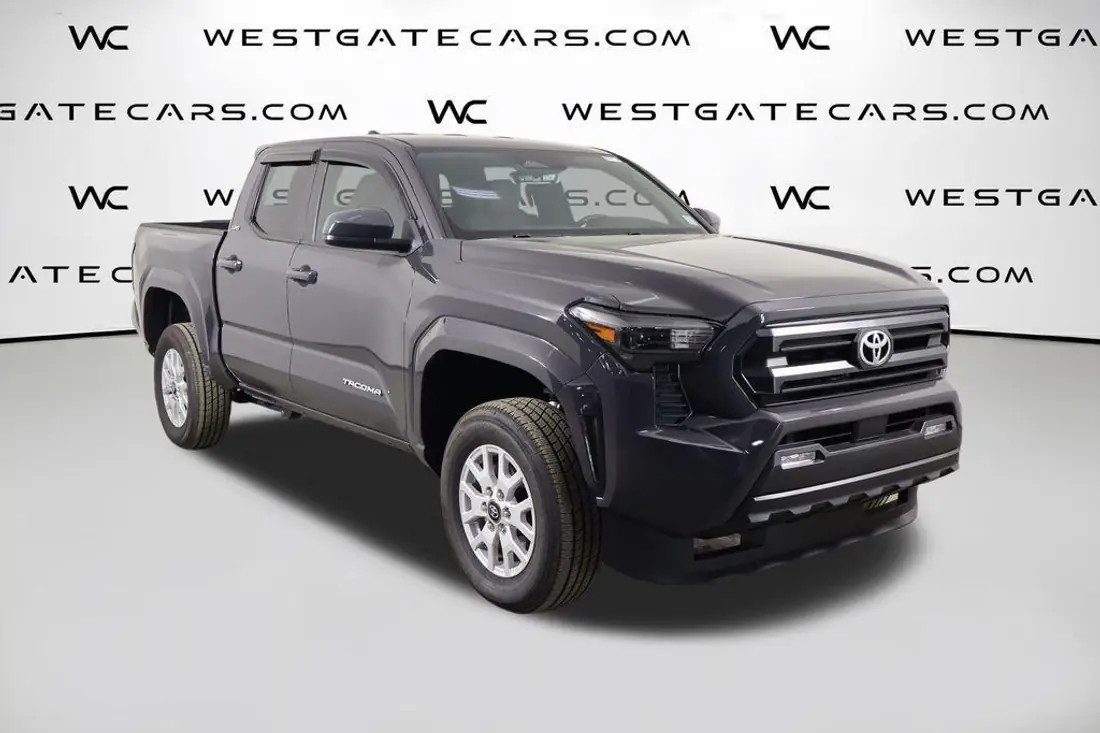
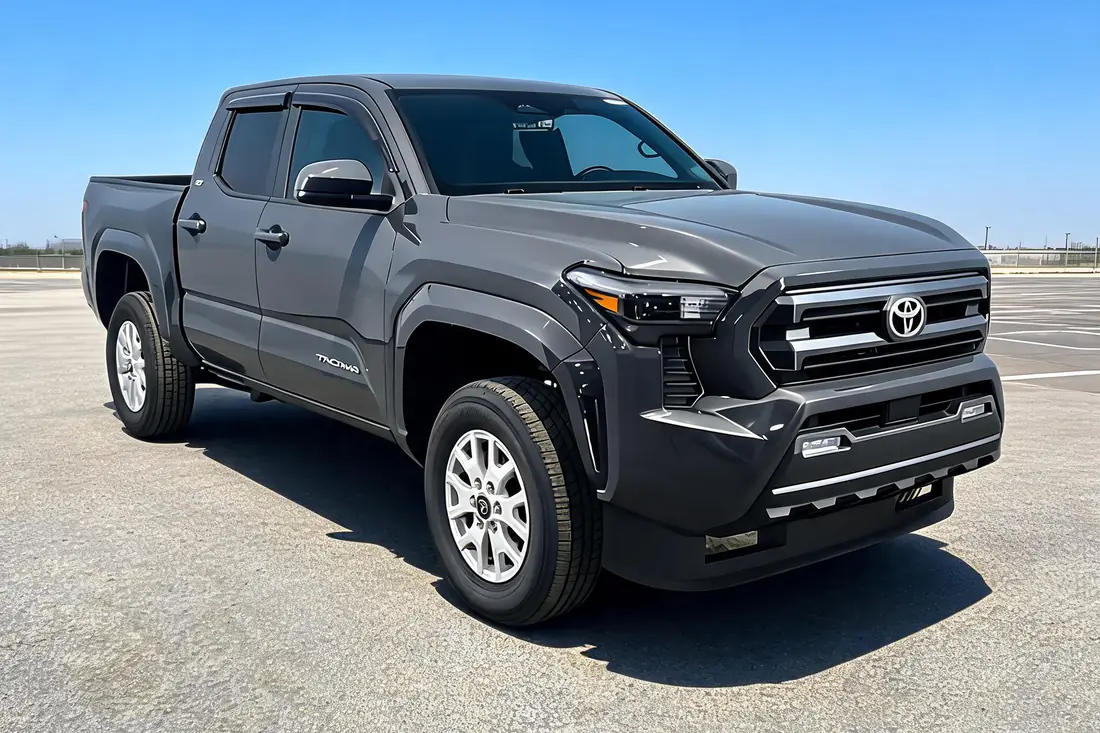
That is the honest constraint at most stores: the walkaround takes minutes, but minutes times forty units times weekly turnover is a part-time job nobody was hired for. AutoLander’s answer is generated coverage: it can produce a walkaround-style AI video from the listing photos it already has — motion built from the same frames the AI car photo editor staged — so every unit carries video-grade presentation even in weeks when nobody touched a camera. Units worth real footage still deserve real footage; the AI version exists so the other thirty-five units are not bare.
Frequently asked questions
How long should a car walkaround video be?
Around sixty seconds — long enough to lap the exterior, show the powered-on interior and odometer, and land one feature, short enough that buyers watch to the end. Past ninety seconds completion drops fast. If a unit genuinely needs more, shoot a second focused clip to send on request rather than stretching the main lap.
Should a walkaround video be vertical or horizontal?
Match the destination. Vertical suits social feeds and the phones most Marketplace browsing happens on; horizontal suits the website vehicle page and desktop viewing. If you will only shoot once, shoot the format where the clip will actually live — a cropped compromise usually looks worse than committing to either orientation.
Do I need to talk during a walkaround video?
Narration helps if it sounds like a person, not a commercial — year, make, trim, the one feature, where the car is. If talking on camera is not natural for the person shooting, a steady silent lap with the real sounds of the car is better than forced salesmanship. Say the vehicle identity out loud either way so the clip stands alone when forwarded.
What equipment do you need for dealership walkaround videos?
A phone with a wiped lens, a quiet corner of the lot, and slow feet. That covers most of what quality requires. A cheap gimbal smooths the walk, and a clip-on mic helps on windy lots, but neither is required to produce footage buyers trust. The consistent process matters far more than the gear list.
Can AI really make a walkaround video from photos?
Yes — AutoLander generates walkaround-style video from a listing’s existing photos, producing motion coverage of the real vehicle without anyone shooting footage. It presents the car; it cannot demonstrate sound or driving behavior, so it complements rather than replaces real video on showcase units. Its job is making sure no unit posts to Marketplace bare.
Video-grade listings, even in the busy weeks
AutoLander turns your inventory photos into showroom-grade images and walkaround-style AI video, then posts the whole package to Facebook Marketplace unit by unit.
See plans & book a demo →Plans from $39/mo • 5 free posts • no credit card • cancel anytime