
For car dealers & sales reps
Facebook Marketplace listing tool & software for car dealers
Short answer
Facebook Marketplace listing software is the creation and quality-control layer: it turns an inventory record into the year, make, model, trim, mileage, price, photos and description a shopper sees. AutoLander helps a dealer select eligible vehicles, review source fields, prepare stronger creative and keep approved listings aligned with inventory changes. A Marketplace listing and a Meta vehicle-catalog record are different outputs; AutoLander focuses on the Marketplace-side workflow. Plans start at $39/mo with 5 free posts.
What is Facebook Marketplace listing software built to create?
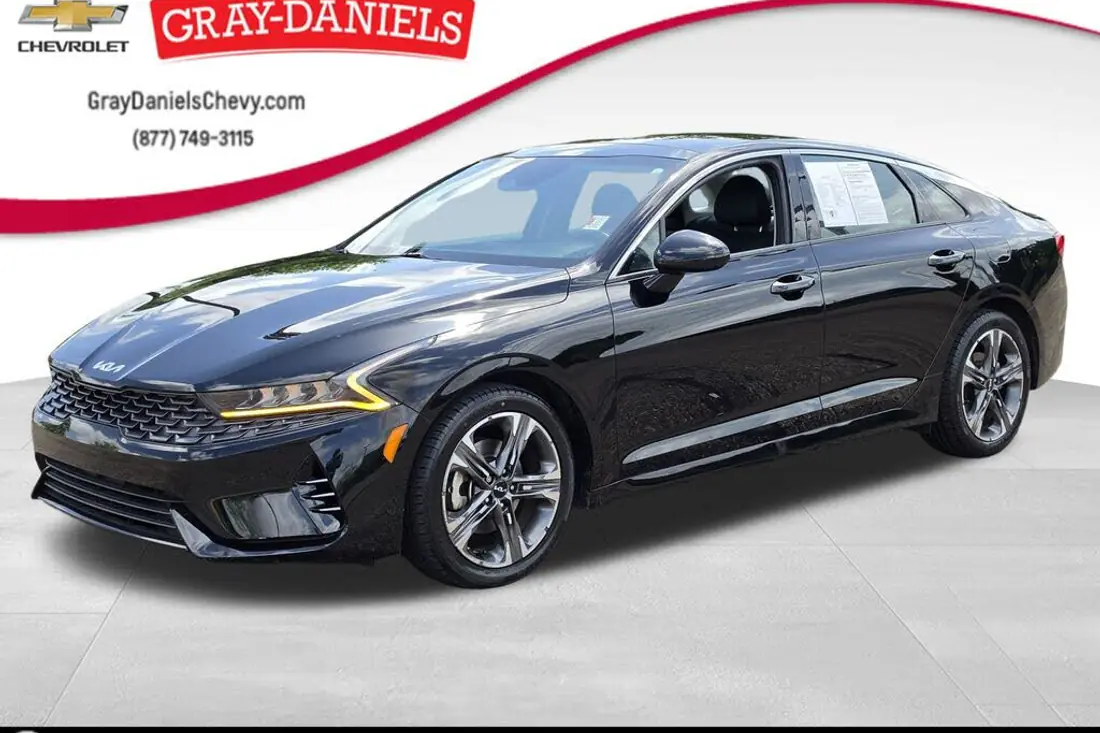
Facebook Marketplace listing software builds the buyer-facing vehicle record. It takes dealership data such as year, make, model, trim, mileage, price and condition, pairs it with ordered photos and a useful description, and keeps those elements together as one reviewable listing. The quality test is whether a buyer sees a complete, internally consistent vehicle—not whether software can merely click Publish.
AutoLander is built for car dealers and sales reps who need that construction process repeated without copy-and-paste drift. It reads inventory data, prepares the listing assets and keeps the record aligned when price or sold status changes. Its auto-poster also executes publishing, but queue management and pacing are covered separately on the Facebook Marketplace auto poster page.
Which vehicle fields should listing software prepare and validate?
At minimum, review the year, make, model, trim, mileage, price, transmission, fuel type, body style, exterior color, condition, photos and description. A missing trim can make the price look wrong; stale mileage or an old price creates friction after the message arrives; an unsupported title-history or equipment claim can create a compliance problem. Listing software should preserve the authoritative source values and make gaps visible before a vehicle is selected for publishing.
AutoLander starts with a connected CarGurus or Cars.com feed, or a custom feed/export, and uses that record to prepare the Marketplace listing. AI can order photos, improve the background and draft a VIN-specific description, but the dealer remains responsible for reviewing material facts, choosing which vehicles are eligible and making required advertising disclosures.
Is a Marketplace listing the same as a Meta vehicle-catalog record?
No. A vehicle catalog is a structured data source used in eligible Meta business, feed or advertising workflows. A Marketplace vehicle listing is the buyer-facing post a shopper opens and messages about. Fields, availability and account rules can differ, and access to one workflow does not guarantee access to the other.
AutoLander focuses on constructing and publishing Marketplace listings; it does not turn personal-profile automation into an official Meta catalog integration. A dealer using both should keep the catalog and Marketplace listing grounded in the same inventory source so price, availability and vehicle facts do not conflict. See Facebook Marketplace for car dealers for the channel-level trade-offs.
Listing-quality tools inside AutoLander
These features improve what each selected vehicle record contains and how consistently a shopper sees it.
Inventory-fed fields
Starts each listing from the connected vehicle record rather than retyping year, model, mileage and price by hand.
Selection and review
Keeps the dealer responsible for choosing eligible units and checking material facts before they reach shoppers.
Smart photo ordering
Organizes the image set around a clear lead photo and a useful view of the vehicle.
AI Photo Studio
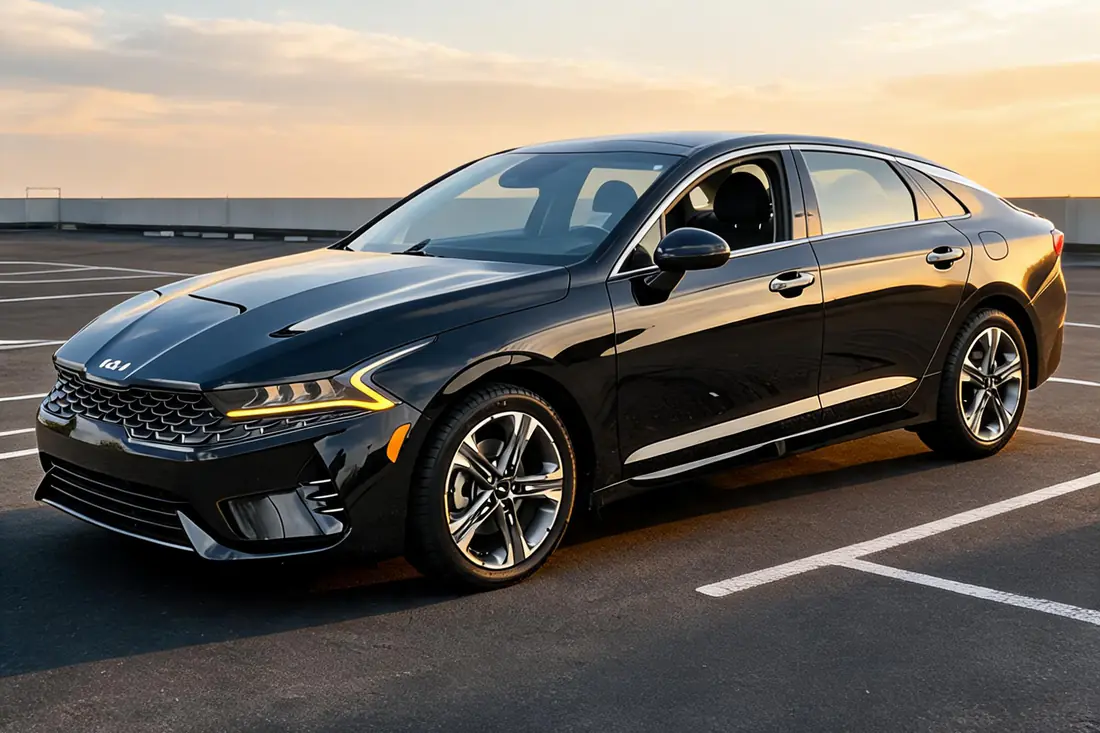
Replaces a distracting lot background with a clean showroom-style setting while the vehicle remains the subject.
VIN-specific descriptions
Drafts readable copy from the vehicle record instead of repeating one generic description across the lot.
Walkaround video
Creates a short vehicle video as another listing asset without requiring a separate editing workflow.
Price and status alignment
Keeps the buyer-facing record connected to source changes and removes it when the feed marks the unit sold.
Post-to-sale attribution
Shows which completed Marketplace listings connect to vehicle-sale outcomes, not just views or messages.
From inventory record to reviewed Marketplace listing
- Import the authoritative recordConnect a supported feed or custom export so each listing starts from the dealership’s current vehicle data; see the integrations page.
- Select and review the unitChoose vehicles that are eligible for the channel, check core fields and required disclosures, and resolve missing or contradictory data.
- Build the shopper-facing presentationOrder the photos, prepare a clean background, create a walkaround video and draft a VIN-specific description from the reviewed record.
- Publish and maintain the approved recordThe auto-poster executes the Marketplace work, while inventory sync keeps price and sold status aligned.
How should a dealer select and review vehicles before publishing?
Start with a channel checklist: the account and vehicle category must be eligible, the price must match the actual offer, required dealer disclosures must be present, and the photos, mileage, title-status language and availability must agree with the source record. Exclude any unit whose facts are not ready rather than publishing it and hoping to repair the listing later.
AutoLander reduces the repetitive assembly work, but it does not replace dealer review or legal responsibility. Once a record is approved for the channel, the separate auto-poster execution workflow handles queueing and pacing.
Why dealers use AutoLander for listing quality and consistency
- Listings begin with connected inventory data instead of hand-entered copies of the same vehicle record.
- Photo ordering, background preparation, walkaround video and VIN-specific descriptions live in one creation workflow.
- Dealer selection and review remain part of the process for material facts and required disclosures.
- Price changes and sold status stay connected to the source record after publishing.
- Published self-serve plans start at $39/mo, with 5 free posts and no credit card required.
Facebook Marketplace listing-software questions
What is the best Facebook Marketplace listing software for car dealers?
Judge listing software on record quality: which inventory fields it carries over, how it handles missing or contradictory data, whether a dealer can select and review eligible units, how it prepares photos and descriptions, and how source changes remain aligned. Our 2026 comparison shows how AutoLander and the main alternatives differ.
How much does Facebook Marketplace listing software cost?
AutoLander publishes self-serve plans from $39/mo with 5 free posts to start and no credit card required. Competing tools range from about $99/mo (Sell With Drift, AutoLister Pro) to $249/mo (CARVID), with some (Shiftly, RelayAuto) using custom quotes. See our pricing page for the full breakdown.
Is there free Facebook Marketplace listing software?
Truly free options mean listing every car by hand. Most real listing software is paid because it is doing ongoing work — syncing your feed, enhancing photos, removing sold units. AutoLander gives you 5 free posts with no credit card so you can try the actual software before paying, then plans start at $39/mo.
What is the difference between a Facebook Marketplace listing tool and posting software?
Vendors often use the terms interchangeably, but the jobs are useful to separate. A listing tool creates and checks what each vehicle record contains; posting software executes the queue and publishing work. AutoLander includes both layers. See the auto-poster page for queue controls and whole-lot execution.
Can the listing software post my whole inventory at once?
AutoLander can load a whole dealership inventory so records can be selected, prepared and kept aligned from one source. Publishing is a separate execution step and remains subject to Marketplace availability, account eligibility and Meta’s listing limits. See bulk posting for how the queue works.
Does AutoLander work as a listing tool for a single sales rep?
Yes. One salesperson can use AutoLander to prepare an eligible set of vehicle records, and a dealership can use the same listing-quality workflow across a larger inventory. Plans start at $39/mo with 5 free posts and no credit card required.
Create stronger Marketplace listings from your inventory data
See plans and book a demo using your own vehicle records, photos and listing-review workflow.
See plans & book a demo →Plans from $39/mo • 5 free posts • no credit card • cancel anytime