
Dealer guide
How to post a car on Facebook Marketplace as a dealer
Short answer
To post a car on Facebook Marketplace as a dealer, open Marketplace from an established personal profile, create a Vehicle for sale listing, and complete every field: vehicle type, photos, price, mileage, year, make, model, description, and location. A single unit takes roughly ten to fifteen minutes done well; a full lot is hours of daily work, which is why most dealerships end up automating the posting.
How do you post a car on Facebook Marketplace as a dealer?
From a Facebook profile, open Marketplace, create a new listing, and choose Vehicle for sale. Facebook then walks you through the vehicle fields: vehicle type, photos, year, make, model, price, mileage, description, and location. Fill every field, publish, and the listing goes live to local buyers — usually within minutes, sometimes after a short review.
That is the easy version. The dealer version has two complications: the free vehicle listing flow runs through a person’s profile rather than your dealership Page, and doing it well for a whole lot of inventory takes real time per unit, every day. This guide covers the fields, what belongs in them, and the math.
Can a dealership post cars on Facebook Marketplace?
Yes — dealerships post to Marketplace every day, and for many independents it is their best free source of local buyers. But the free vehicle listing flow belongs to personal profiles: Facebook retired its Page-based dealer inventory programs years ago, so today the listing is created and managed by a person at the store — the owner, the internet manager, or a salesperson — from their own account.
That has practical consequences. The profile that posts should be a real, established account in good standing that clearly identifies the store in each description. Buyers message that profile, so it needs to be one somebody actually checks. And because everything hangs off one person’s account, account health matters — the Marketplace automation policy and safety guide covers how to keep that side clean.
How to list a car on Facebook Marketplace, field by field
The flow below is the vehicle listing as Facebook structures it. Get each field right the first time — edits after publishing can send a listing back through review.
- Start a vehicle listingFrom Marketplace, create a new listing and choose Vehicle for sale. Never post cars as general items — the vehicle flow is what gives you the year, make, model, and mileage fields buyers filter on.
- Pick the right vehicle typeCar or truck, motorcycle, RV or camper, trailer — choose what the unit actually is. Category mismatches are a common reason listings get removed or quietly buried in the wrong search results.
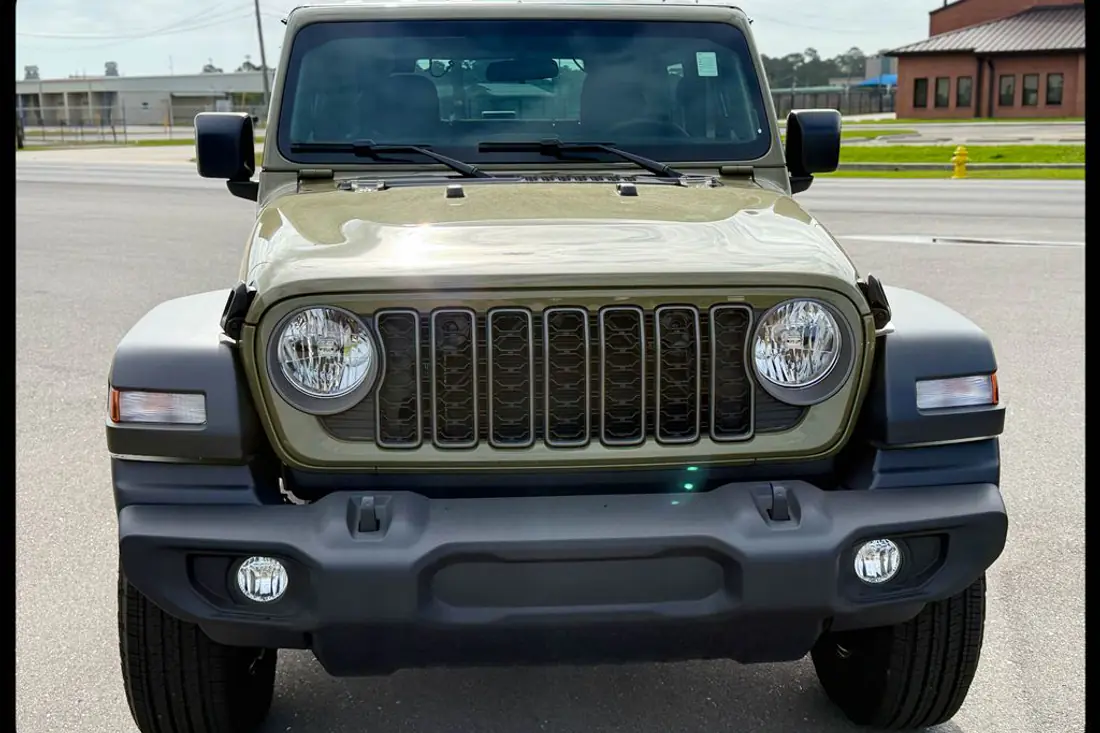
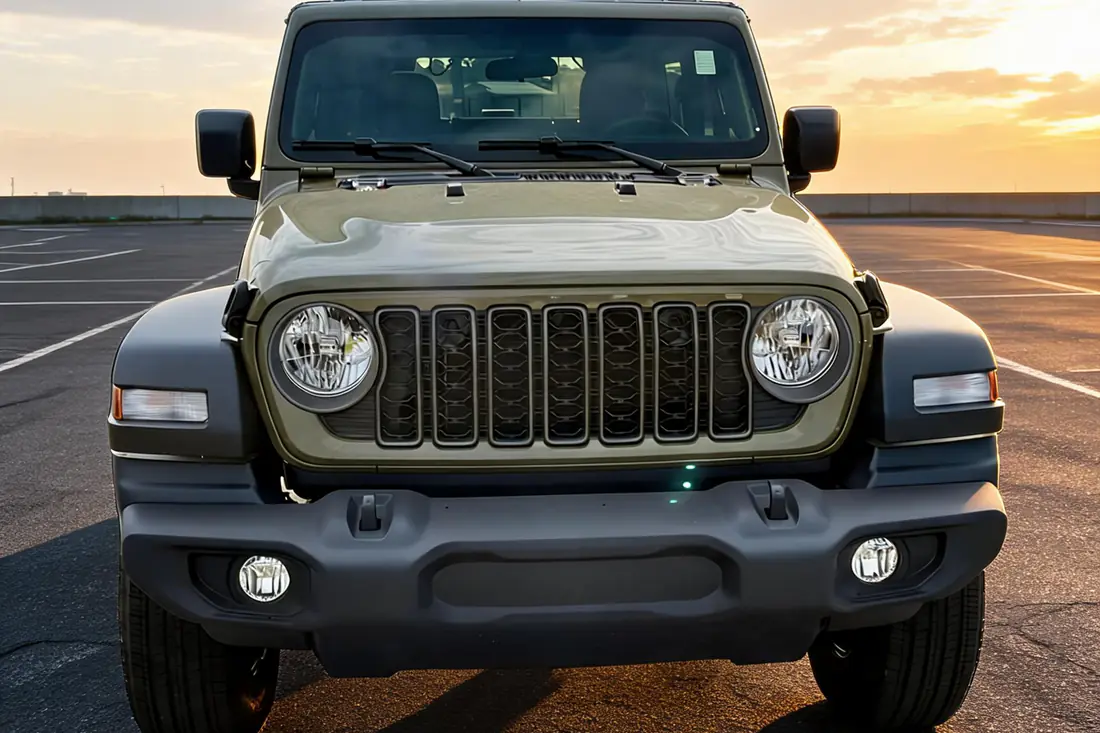
- Load the photosLead with a clean front three-quarter shot, then cover every angle, the interior, and the odometer. Skip promo frames and watermarked feed photos — buyers scroll past them, and heavy overlay graphics read as spam. This is where an AI car photo editor earns its keep, turning lot shots into showroom-grade images without a reshoot.
- Set the real pricePost the actual advertised price. Placeholder prices — $1, $1,234 — fall outside the price-range filters buyers search with and flag the listing as low quality. If the price changes later, update the listing the same day.
- Enter year, make, model, and mileageExact trim helps serious shoppers self-qualify. Mileage must be the real odometer reading — it is one of the first things a buyer checks against the photos.
- Write a description that answers the first five questionsCondition, title status, key features, financing availability in plain language, and how to come see the car. Skip the wall of caps and emoji. AutoLander writes these automatically from your feed data if a blank box is the bottleneck.
- Set the location and publishThe listing should sit where the car sits — Marketplace is local-first, and buyers filter by distance from their own zip code. Publish, then confirm the listing actually went live rather than into pending review.
What to include in a vehicle listing
The listings that get messages share the same checklist:
- Real photos of the actual unit — every angle, interior, odometer, flaws included.
- The true asking price, kept current with your website and your feed.
- Exact year, make, model, trim, and honest mileage.
- Title status and anything a buyer would find out at the lot anyway.
- A description built from features and condition, not slogans.
- The store name and how to reach a human fast — Marketplace buyers move on quickly, so speed to lead is part of the listing, not an afterthought.
How long does it take to post a car on Facebook Marketplace?
Done properly — photos gathered, specs checked, description written, price confirmed — a single vehicle listing takes roughly ten to fifteen minutes. The flow itself is quick; the merchandising around it is what eats the clock.
Now scale it. At that pace, posting 40 units by hand is an afternoon — and posting is only the first pass. Prices change, units sell, listings go stale and need renewing, and every one of those touches is another trip through Marketplace. That recurring grind is why hand-posting stores usually list a fraction of their inventory, and why dealers move to bulk posting the whole lot with a Facebook Marketplace auto poster that also handles price updates and sold-unit removal automatically.
Frequently asked questions
Do you need a business account to post cars on Facebook Marketplace?
No. Vehicle listings on Marketplace are created from a personal Facebook profile, not a business Page — Facebook retired its Page-based dealer inventory programs. Most dealerships designate an owner or internet manager whose established profile posts the inventory and clearly identifies the store in every description.
Is it free to list a car on Facebook Marketplace?
Yes — creating vehicle listings on Facebook Marketplace is free for personal profiles, which is exactly why it became a core channel for used-car dealers. The real costs are labor — posting and maintaining listings daily — and merchandising: photos and descriptions good enough to compete in the feed.
How many photos should a car listing have?
Enough to answer a buyer’s first questions without a message: a clean front three-quarter lead photo, every exterior side, interior front and rear, the odometer, and any flaws. Listings that lead with a single dark lot shot are the ones buyers scroll past on the way to yours.
Can I post the same car more than once?
No — duplicate listings for the same vehicle are one of the most common reasons car listings get removed. Keep one live listing per unit. When a listing goes stale, renew it when Facebook offers the option, or delete the old listing first and then repost it fresh.
Who at the dealership should own Marketplace posting?
One accountable person — typically the internet manager — posting from an established profile, with a named backup who watches messages on their shift. Splitting posting across many accounts invites inconsistent pricing, missed messages, and orphaned listings when someone leaves the store.
Post the whole lot without the afternoon of typing
AutoLander posts every unit in your inventory to Facebook Marketplace from your own computer — photos, specs, price, and description filled automatically from your feed.
See plans & book a demo →Plans from $39/mo • 5 free posts • no credit card • cancel anytime